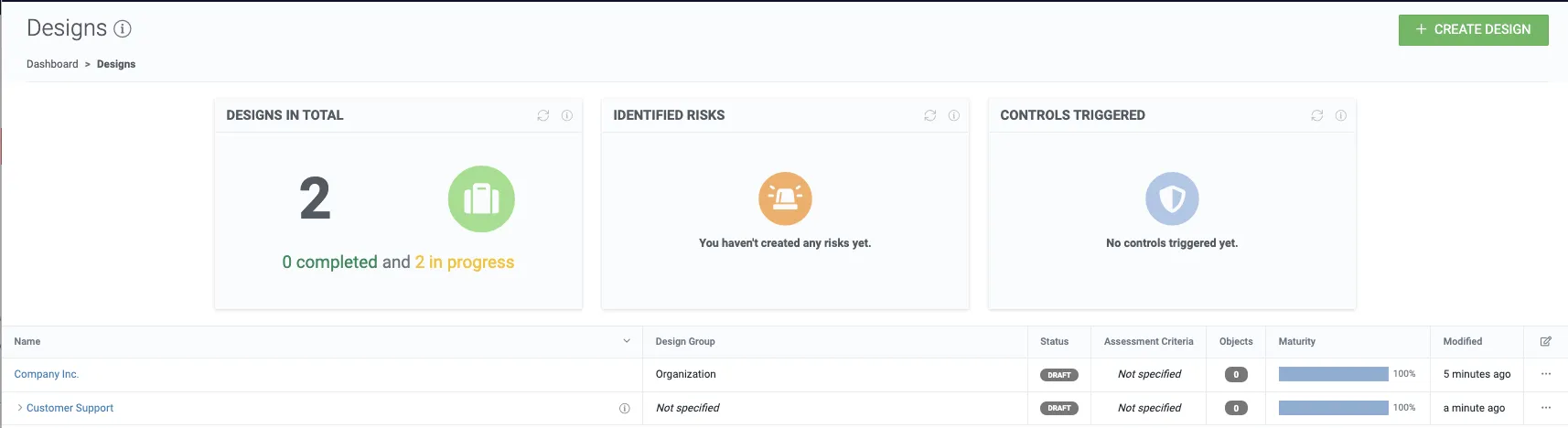
Designs
Designs are mainly used for documenting data processing, and assessing its compliance and risks. In the case of assessing compliance and risks, a design can be a process, service, product, or a processing activity.
In some cases, designs may also be used for ‘data mapping’, in which case a design can be a larger entity such as an organization, subsidiary, department, team, data register or a system.
Create a root design
Section titled “Create a root design”1. From the top navigation bar go to the designs list.
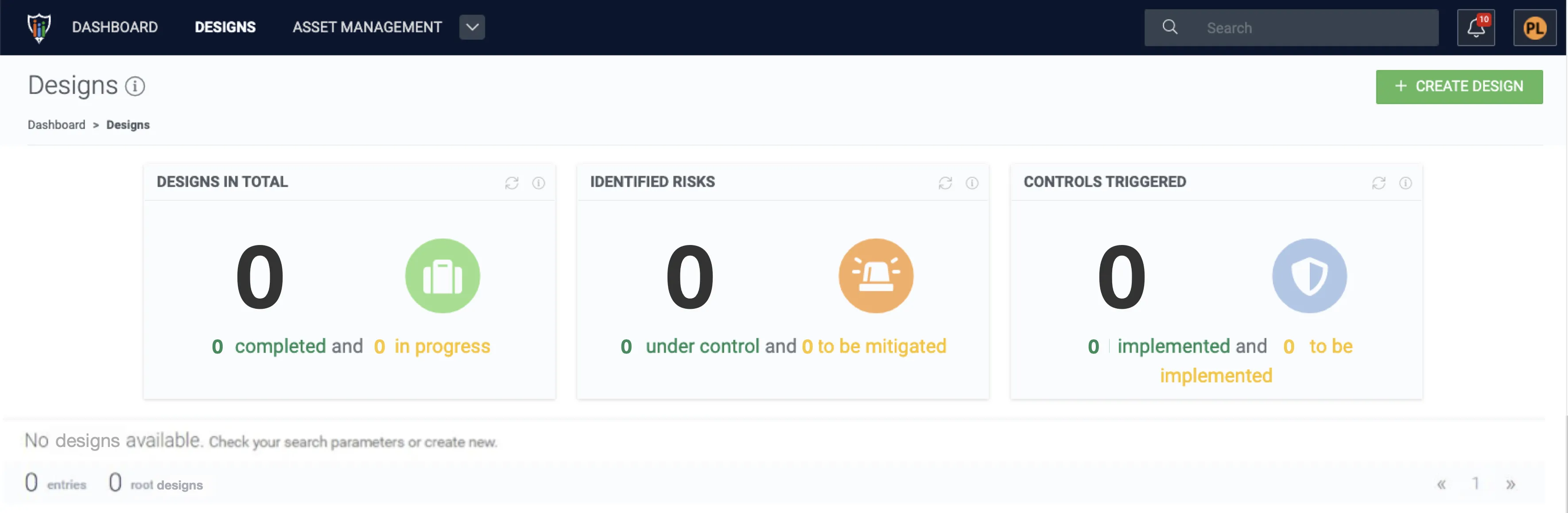
2. Click + Create design to open the design creation form.
3. Name the design and select Organization as the design group for the root design.
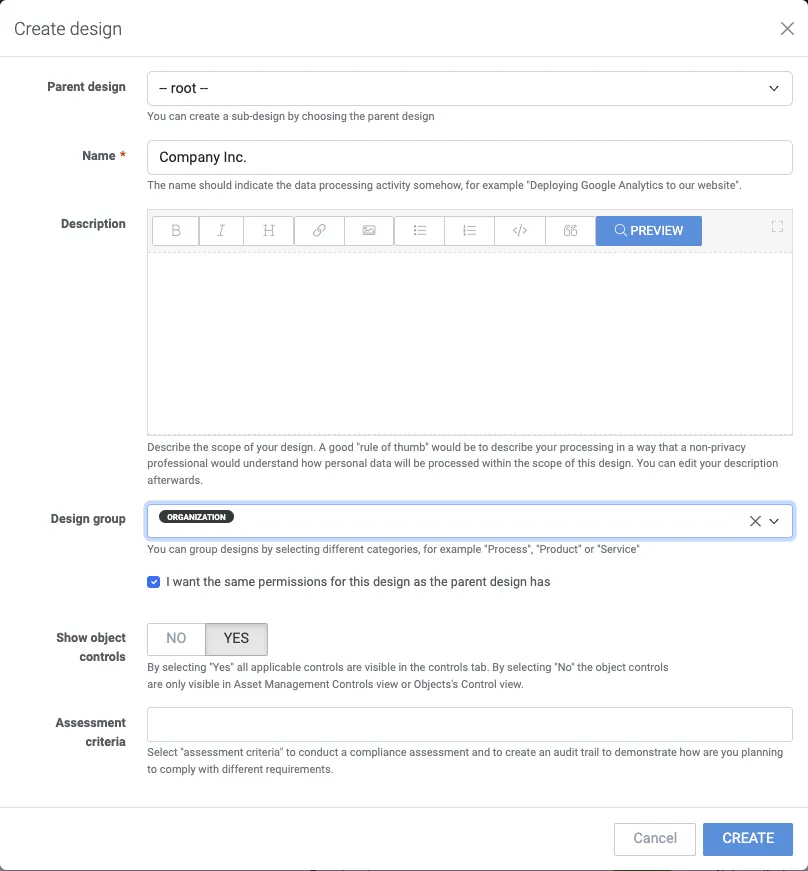
4. Click Create, and you will be redirected inside the new design.

Create a sub-design
Section titled “Create a sub-design”5. Navigate back to designs by clicking the Designs breadcrumb.
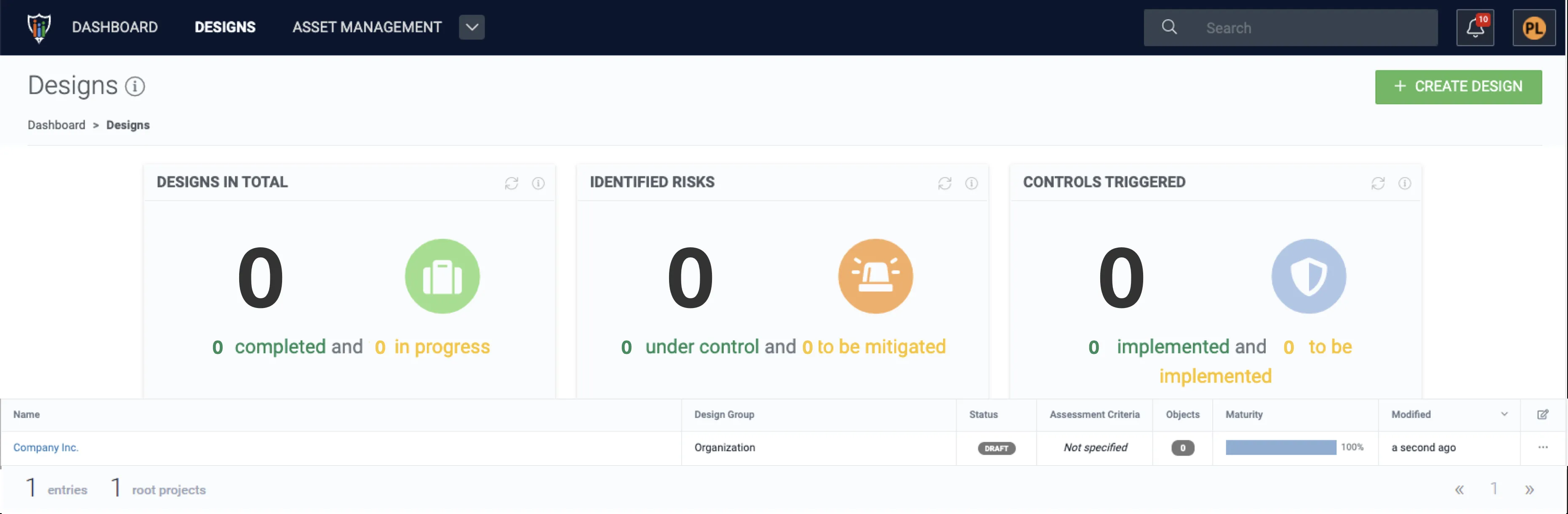
6. Create another design by clicking + Create design.
7. Specify the design info as in the previous design and assign the previously created design as the parent design.
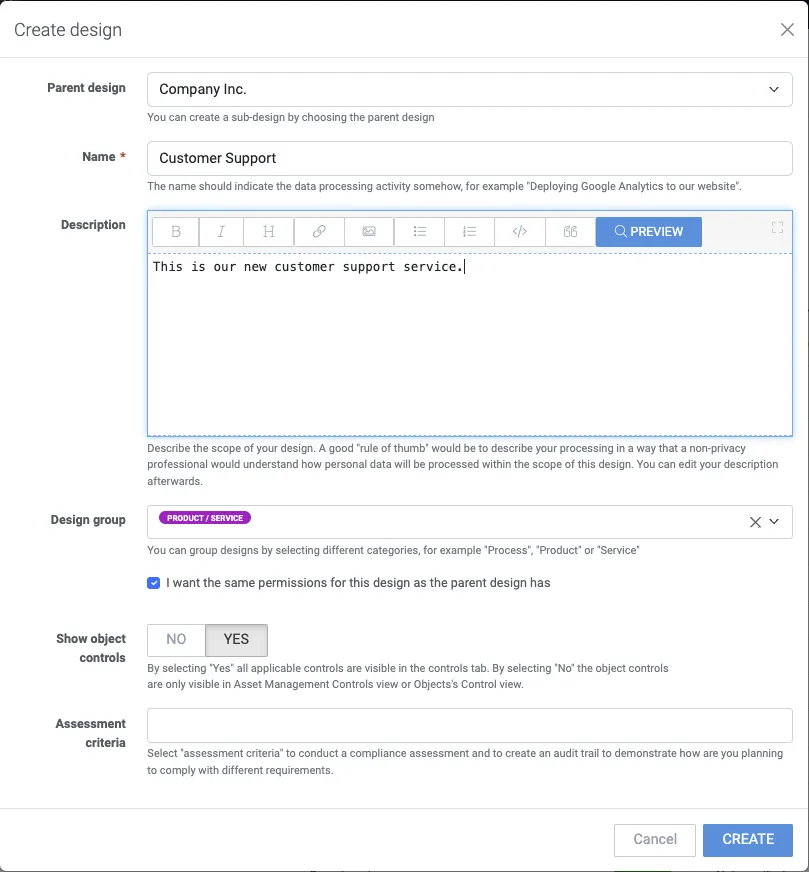
8. To create the sub-design click Create.