Incident management
Incident management is a feature for documenting incidents and data breaches.
Create incidents or data breaches
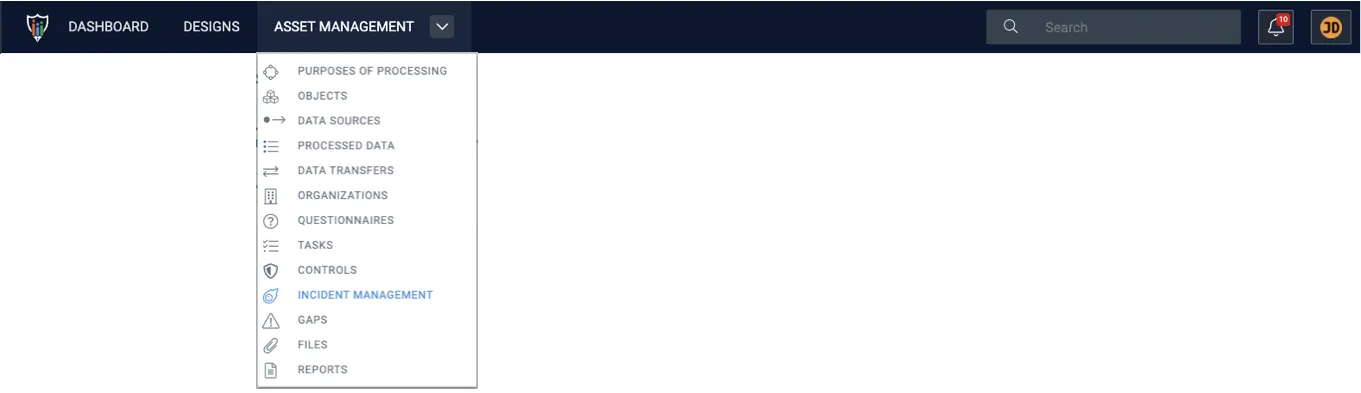
Section titled “Create incidents or data breaches”1. Navigate to Asset Management and click Incident management.
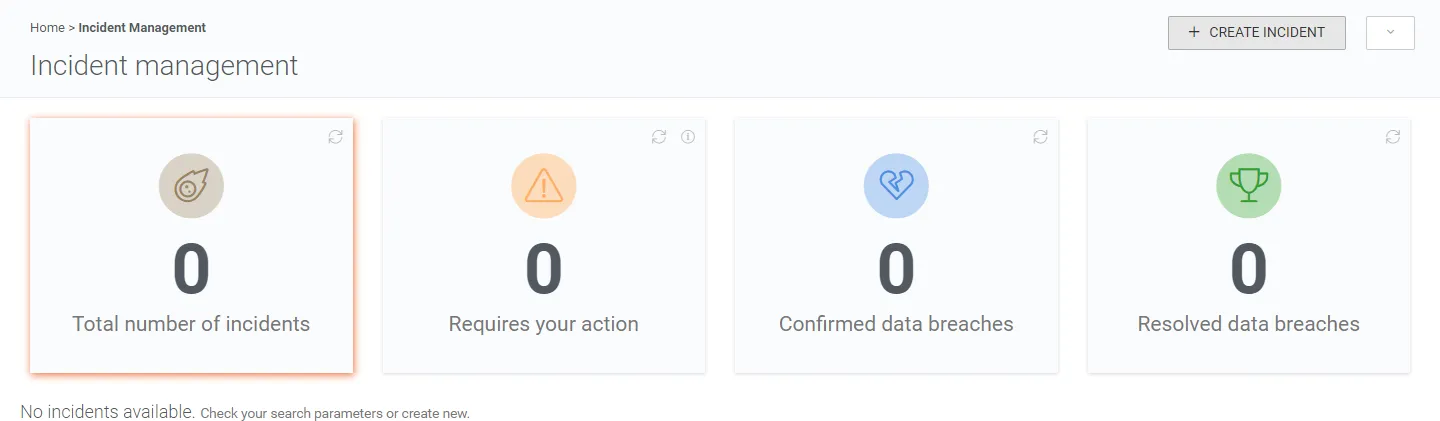
2. Click + Create incident.
3. Fill in the information about the incident and define its approximate timeline.
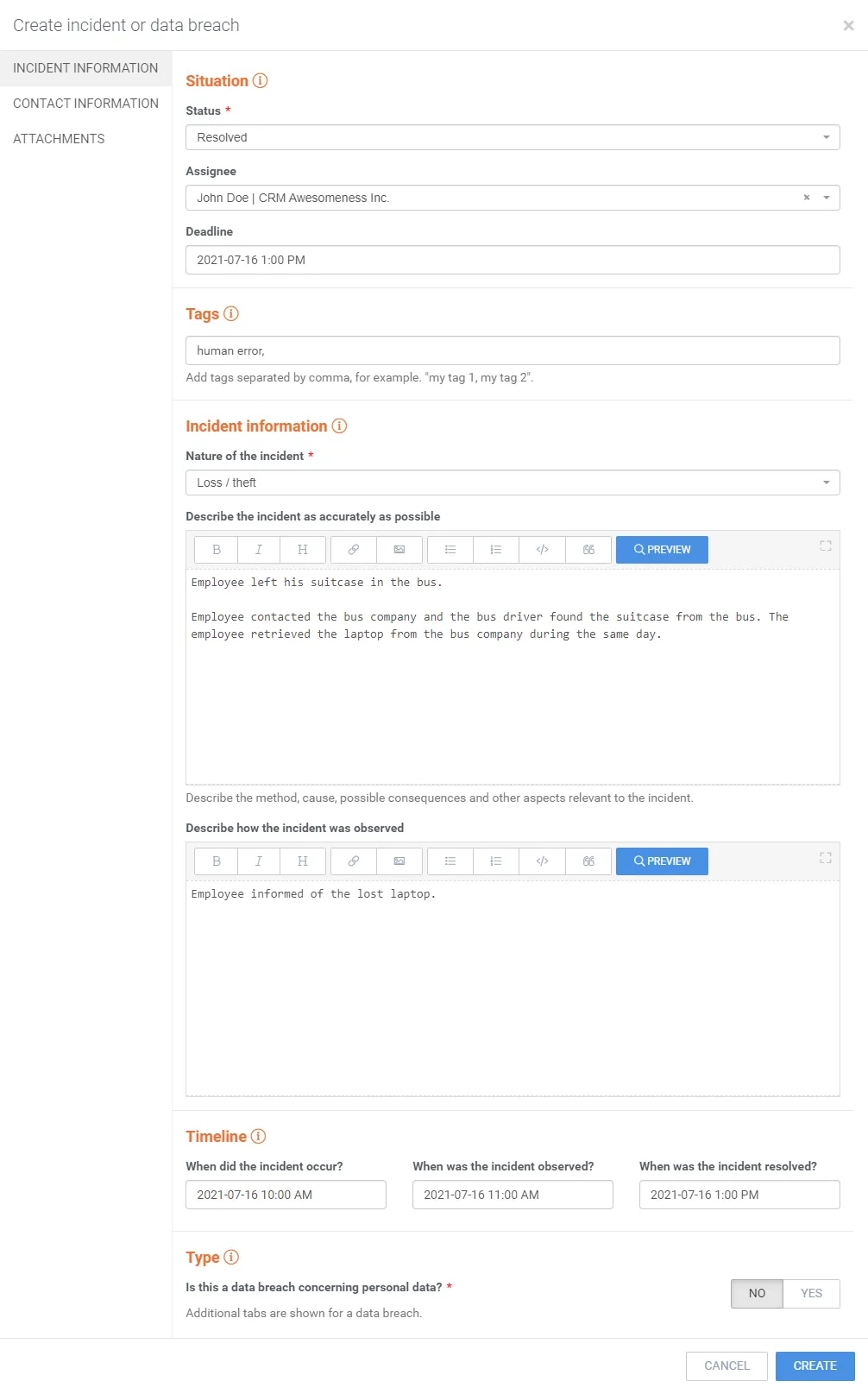
4. Click Create.
Archive incidents or data breaches
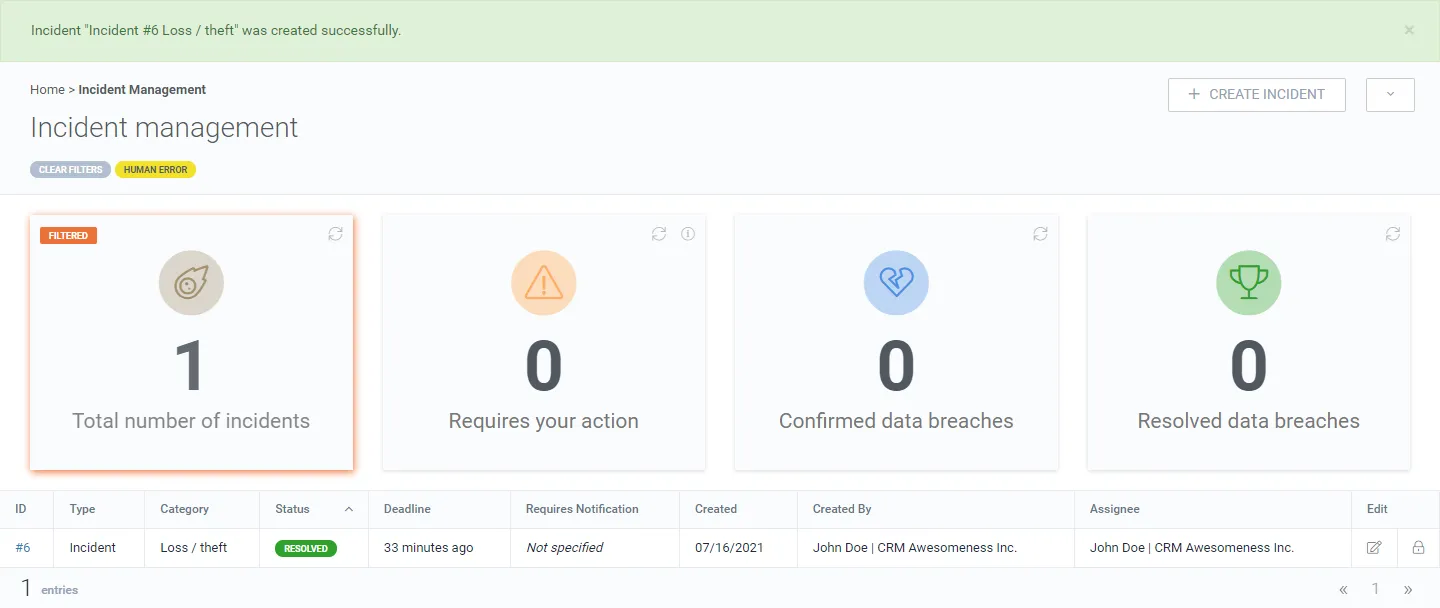
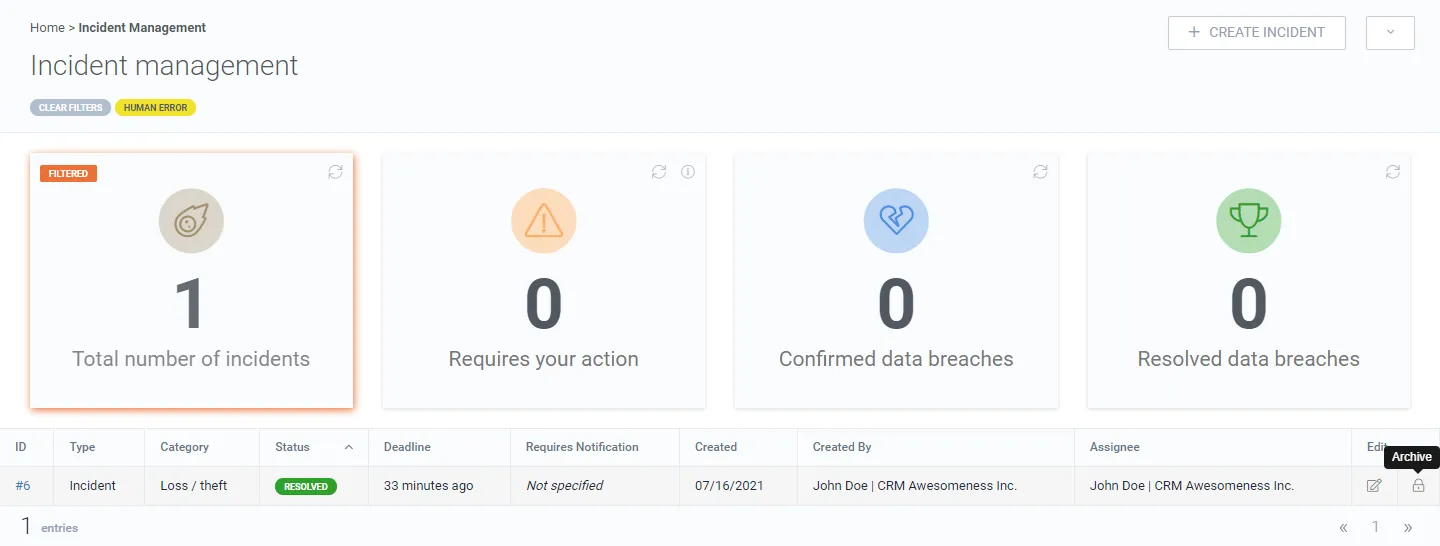
Section titled “Archive incidents or data breaches”1. Click the archive button.
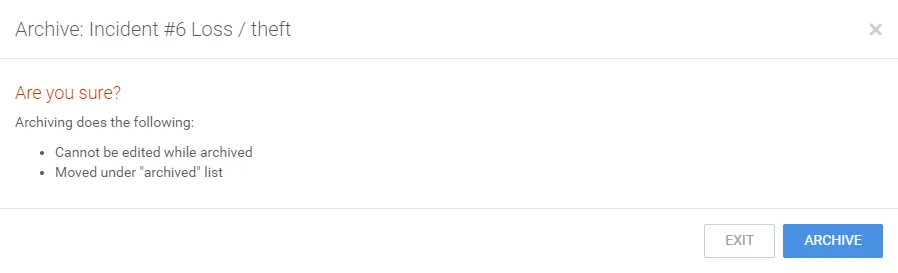
2. Confirm the action.
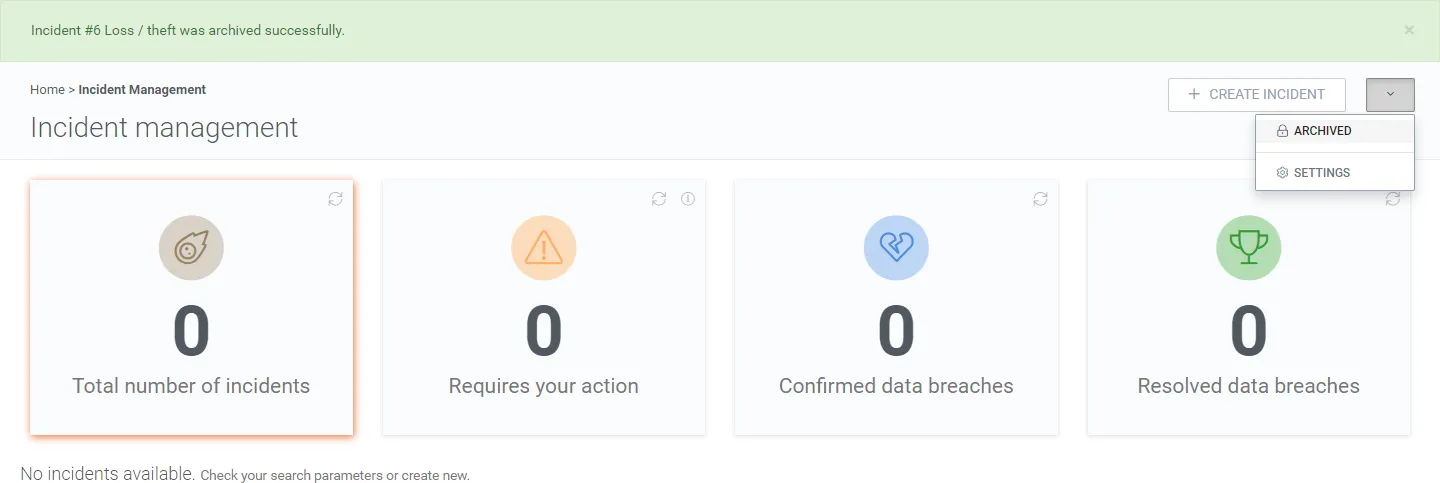
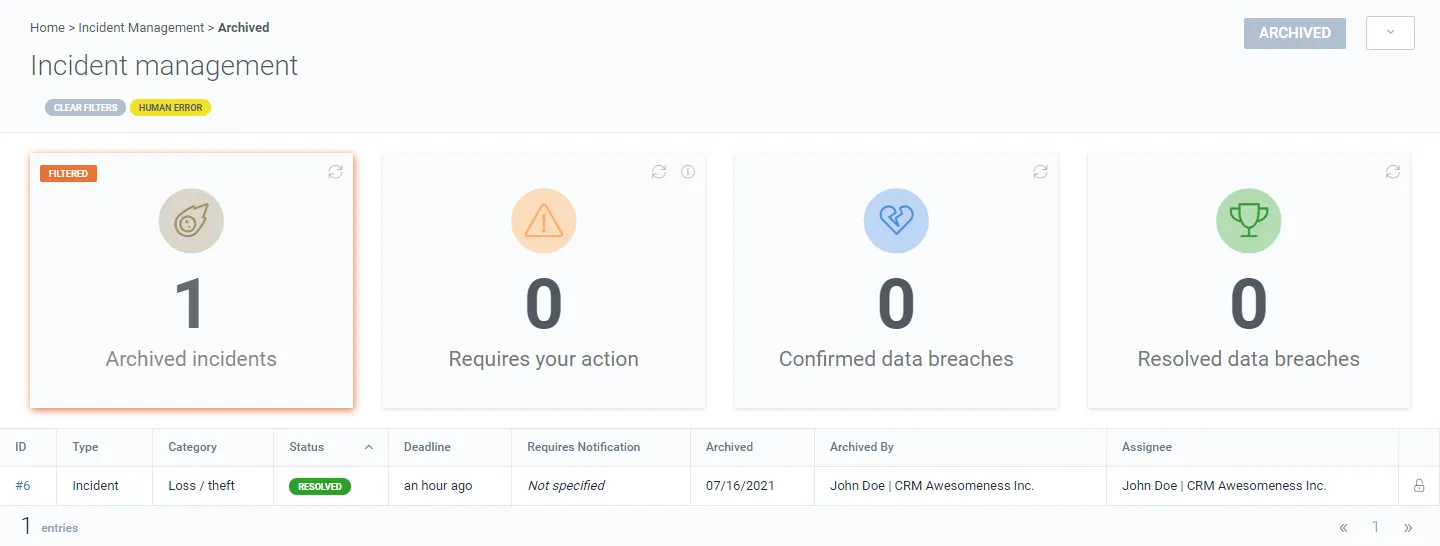
The incident is moved into the archived list.
3. Click Archived under the caret drop-down to view archived items.
Delete incidents or data breaches
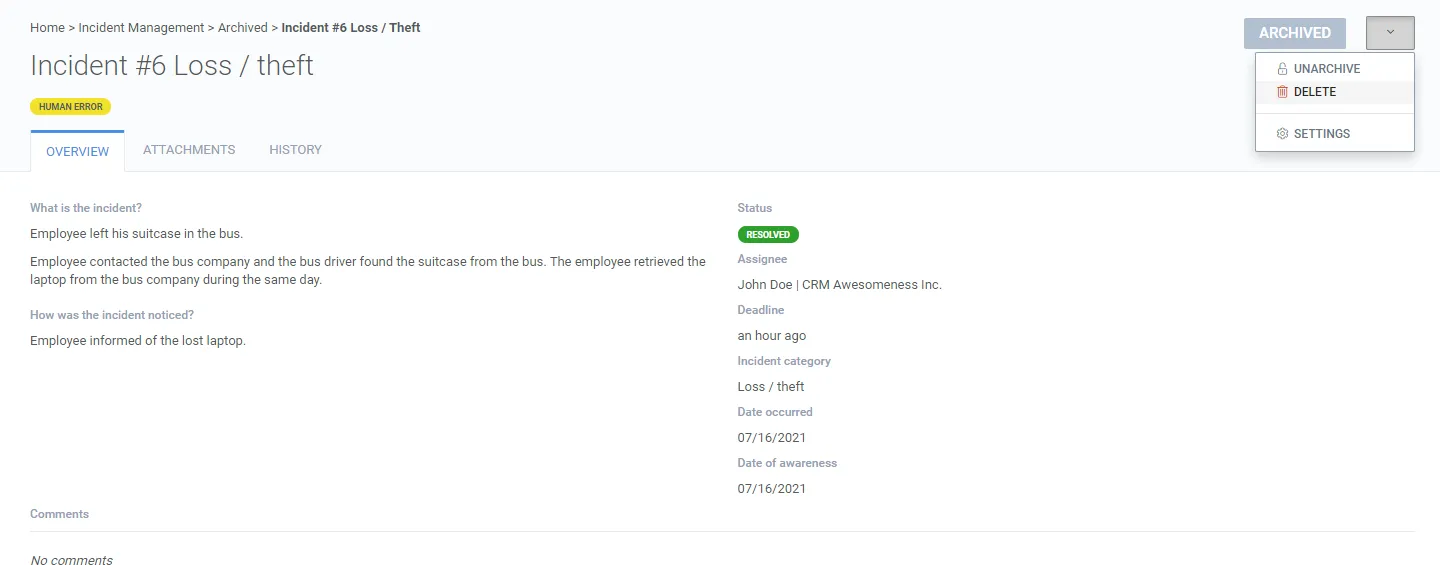
Section titled “Delete incidents or data breaches”1. Click the ID of the incident or data breach to observe it.
2. Click Delete under the caret drop-down.
3. Confirm the deletion.
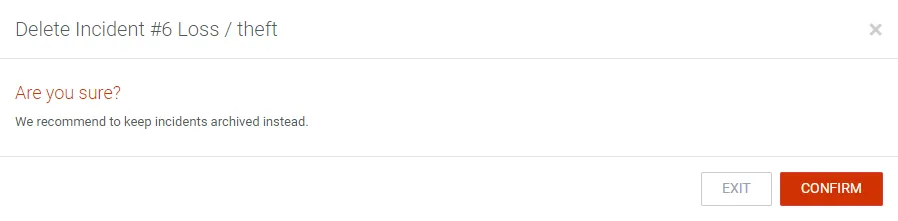
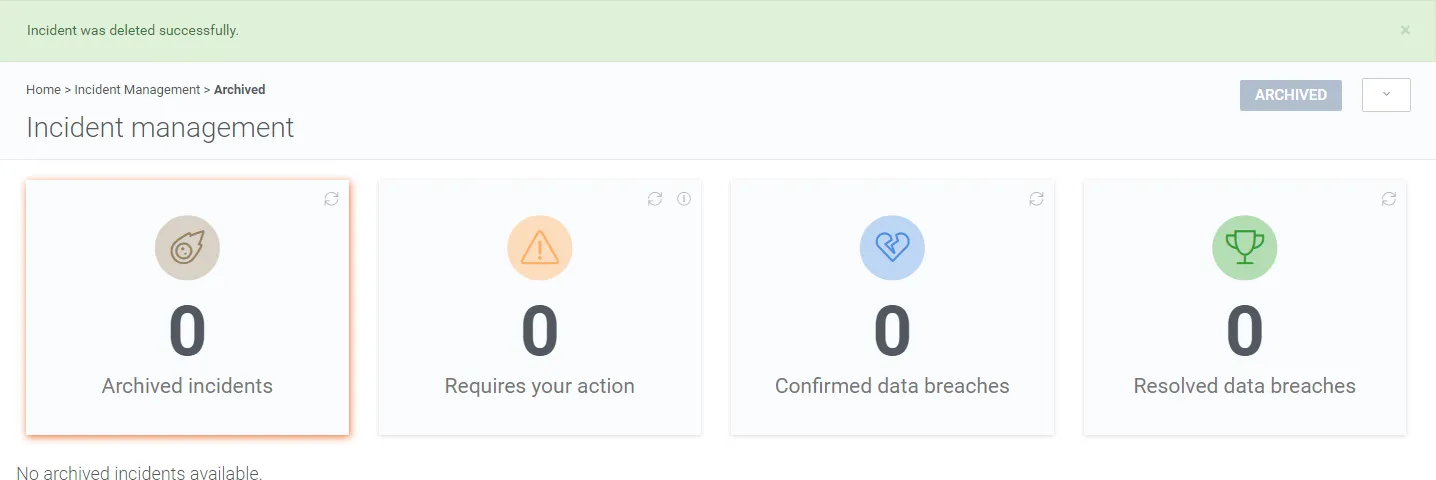
The incident is deleted and is no longer in the archived list.