Skip to content
PrivacyDesigner Docs staging fc990a6a
This is documentation for a staging version. See the latest version.

Invite User

1. Navigate to the avatar drop-down and click Roles and permissions.
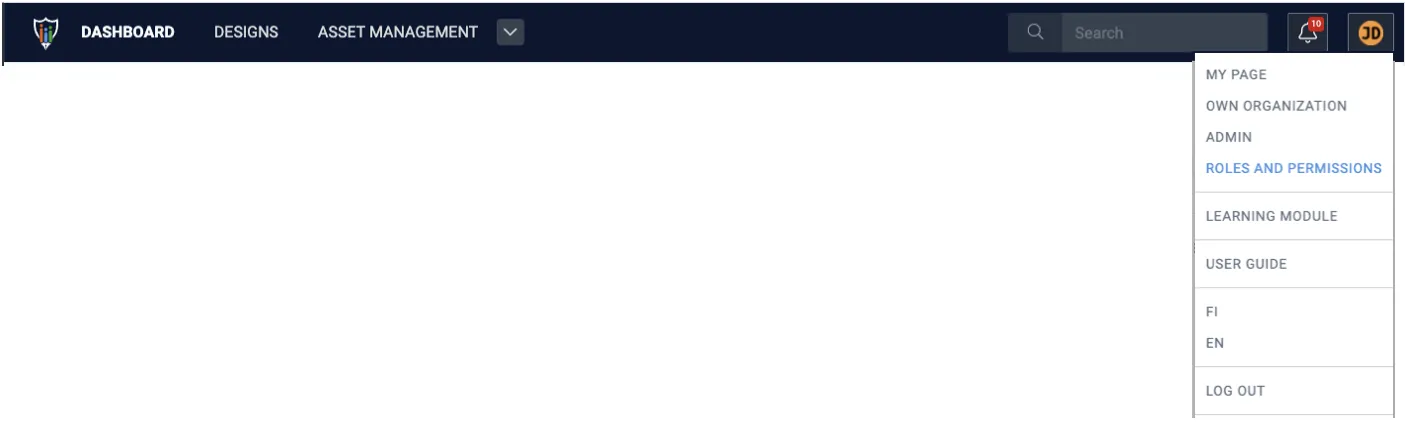
Avatar drop-down menu with Roles and permissions highlighted

2. In the User permissions tab, click Invite user.
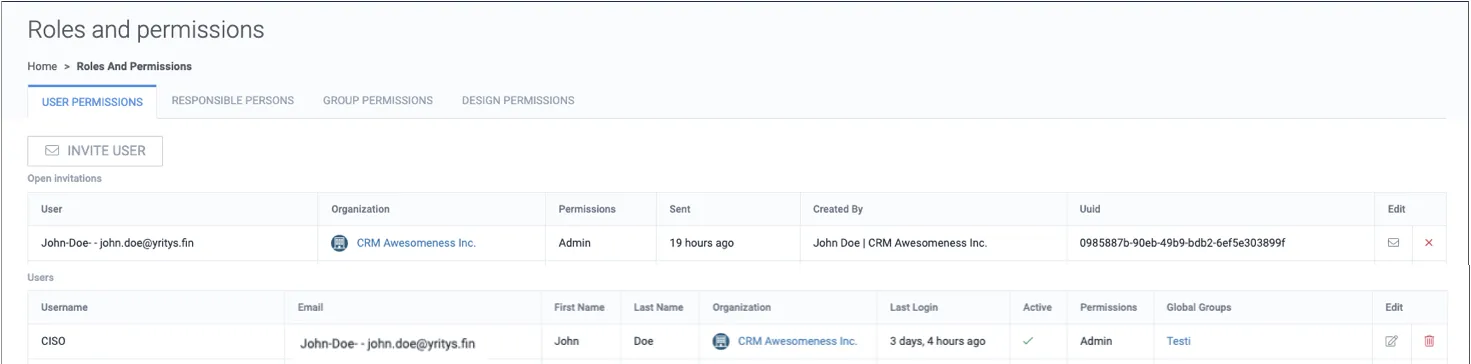
Roles and permissions page on the User permissions tab with an Invite user button, open invitations, and the users list

3. Select a unique username, email address, and permissions.
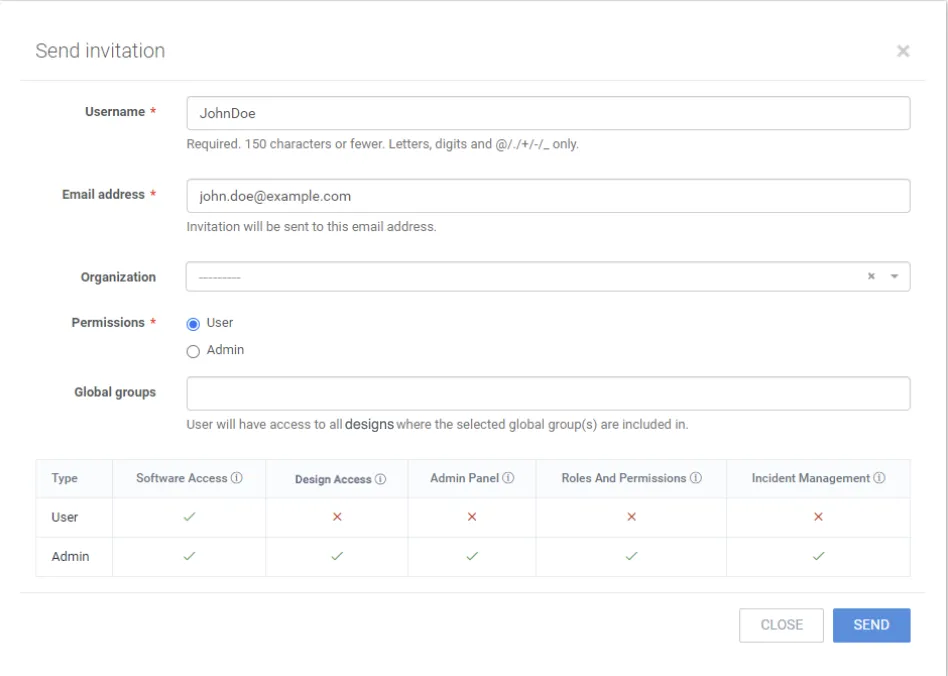
Send invitation dialog with Username, Email address, Organization, Permissions, and Global groups fields and a permissions comparison table

4. To send an invitation for the new user to the specified email address, click Send.
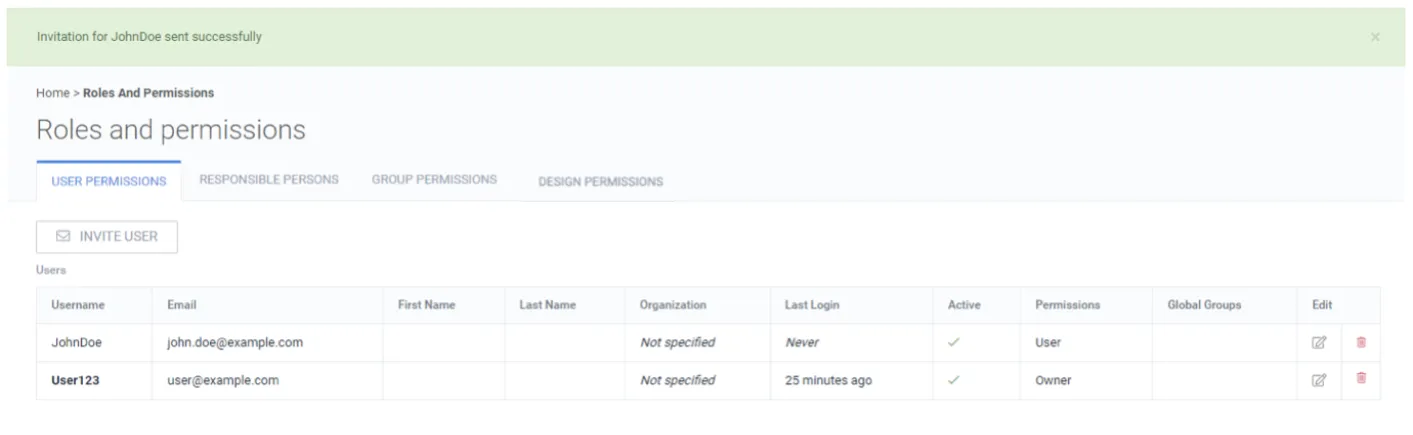
Roles and permissions page confirming the invitation for JohnDoe was sent successfully