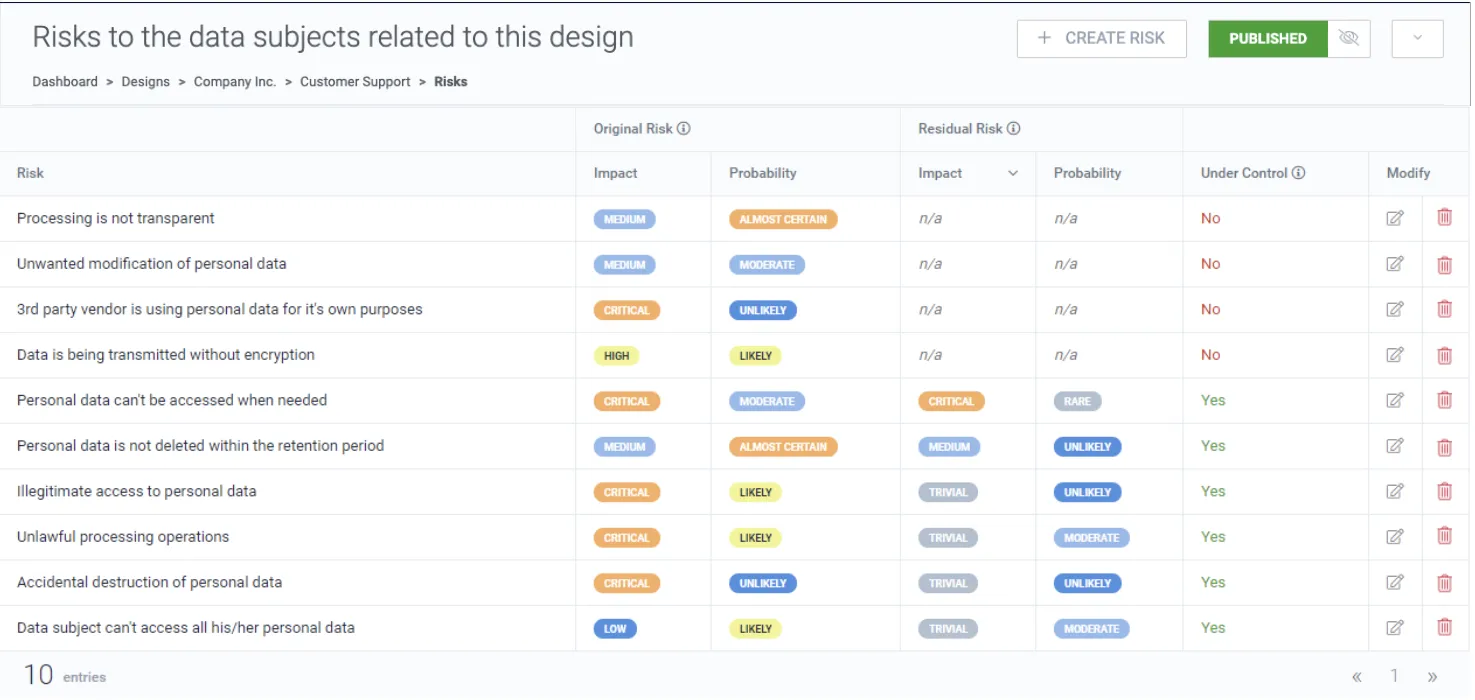
Risks
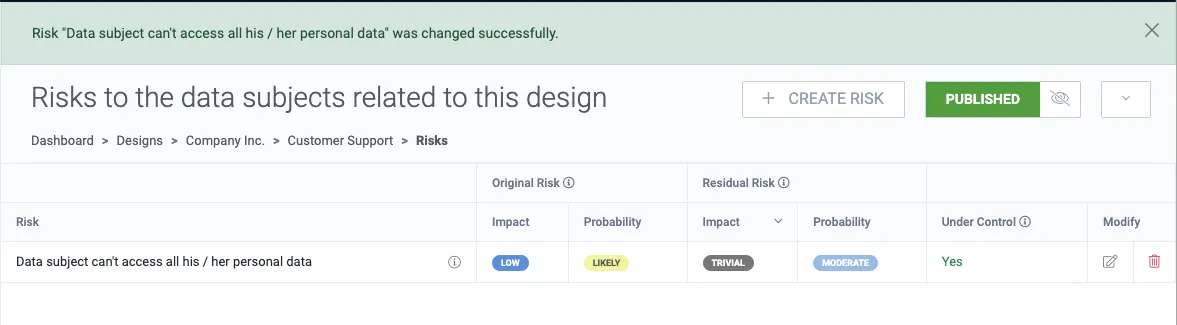
Navigate to Risks from the design navigation panel.

1. Click Create risk.
2. Name the risk, optionally select a risk owner, and describe the risk.
3. Select how impactful and probable the risk is.
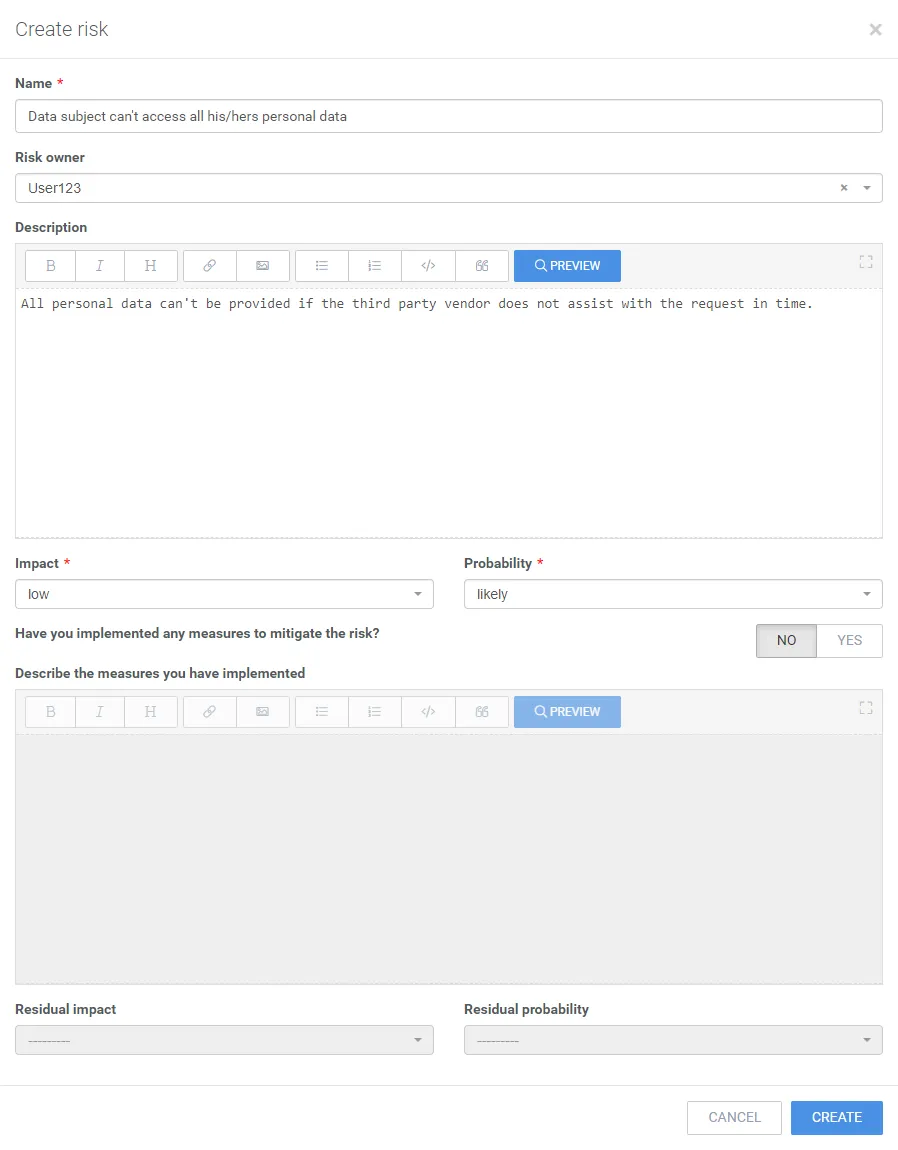
4. Click Create.
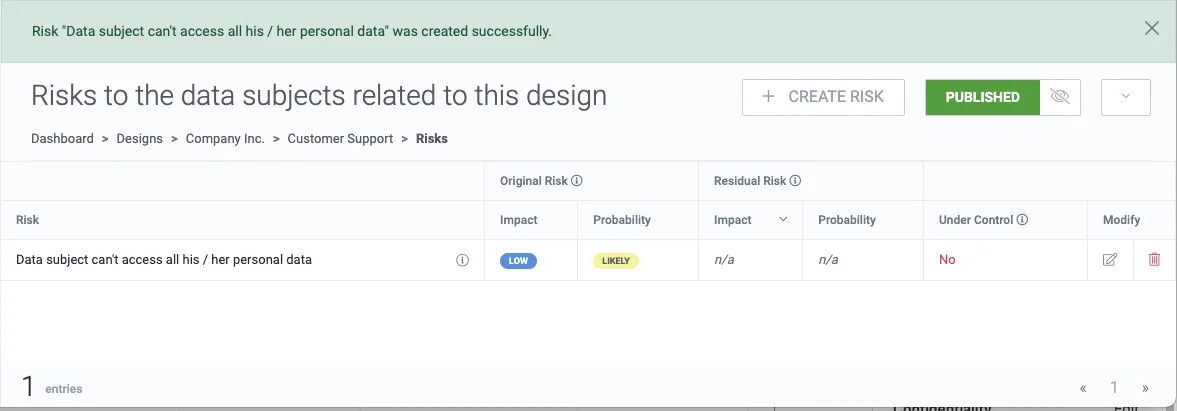
5. To change any design risk, click the edit button.
6. Select Yes to describe the measures taken to mitigate the risk and the severity after the risk is under control.
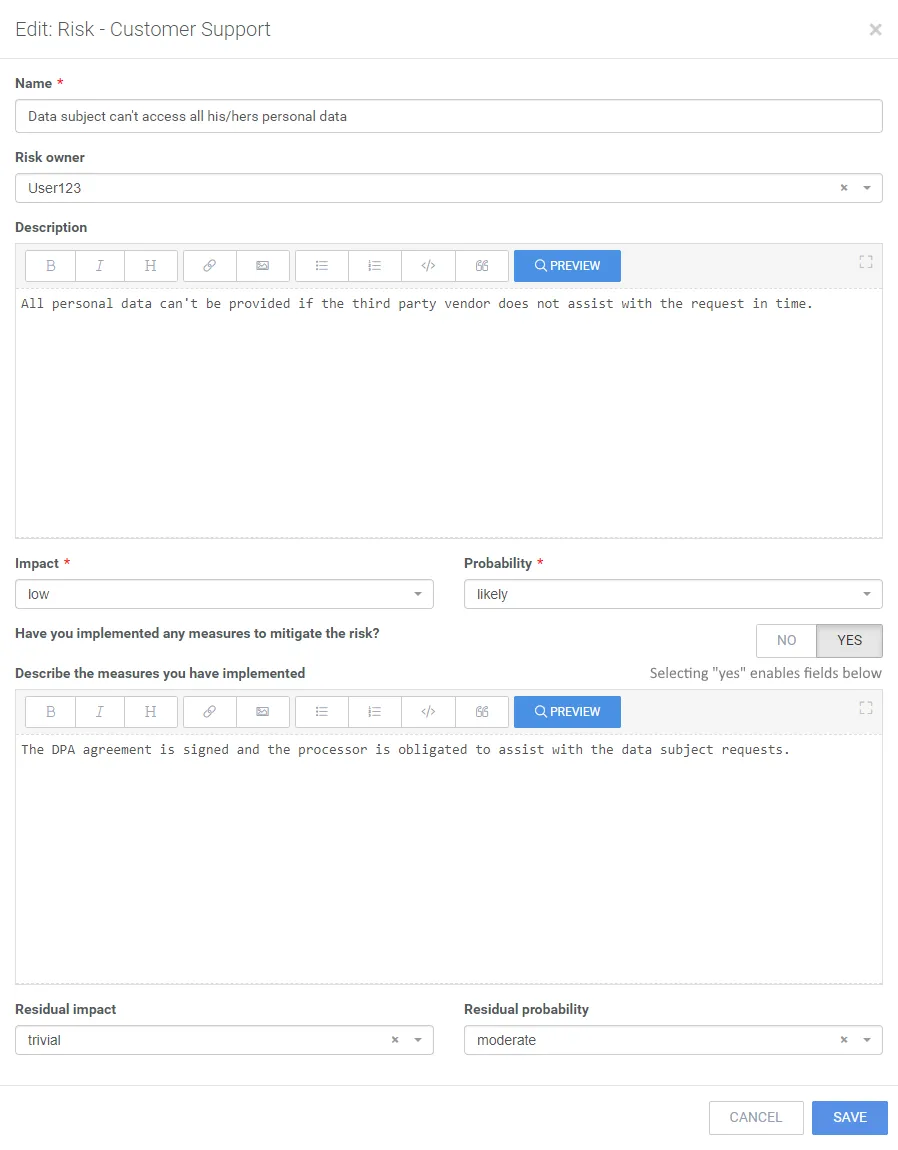
7. To save your changes, click Save.
How to delete
Section titled “How to delete”1. Click the delete icon on a design risk to open the delete confirmation modal.

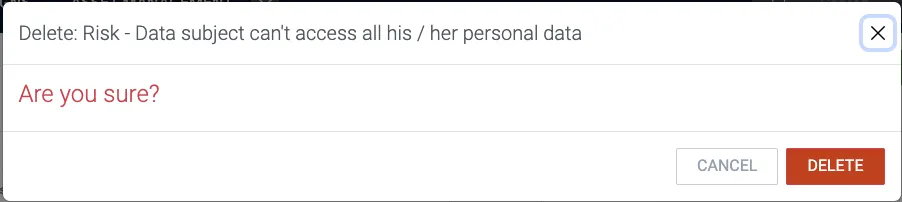
2. Confirm by clicking Delete.
Example of a design risk assessment
Section titled “Example of a design risk assessment”