Skip to content
PrivacyDesigner Docs staging fc990a6a
This is documentation for a staging version. See the latest version.

Controls

Controls are a set of requirements and rules that apply automatically in the created assessment design. It’s a list of tasks to increase the maturity level.

1. Navigate to the Controls tab.
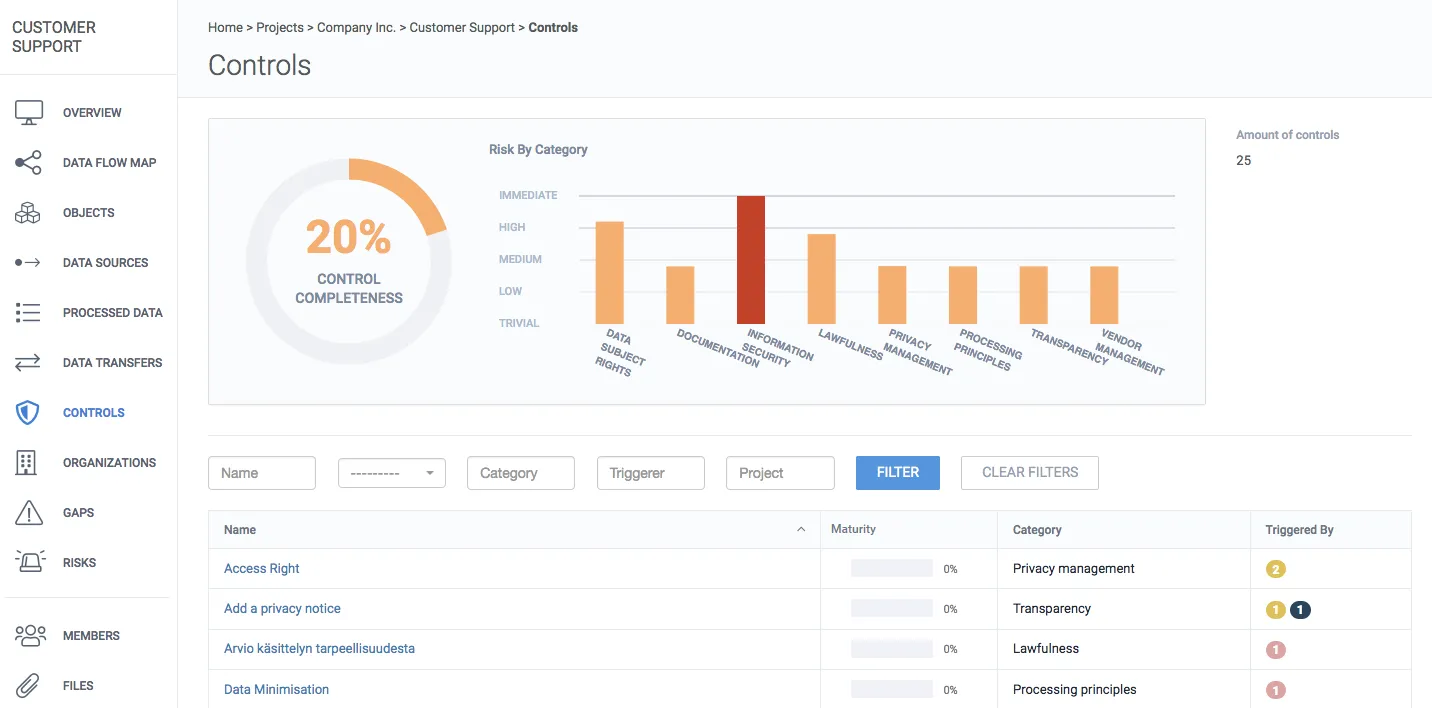
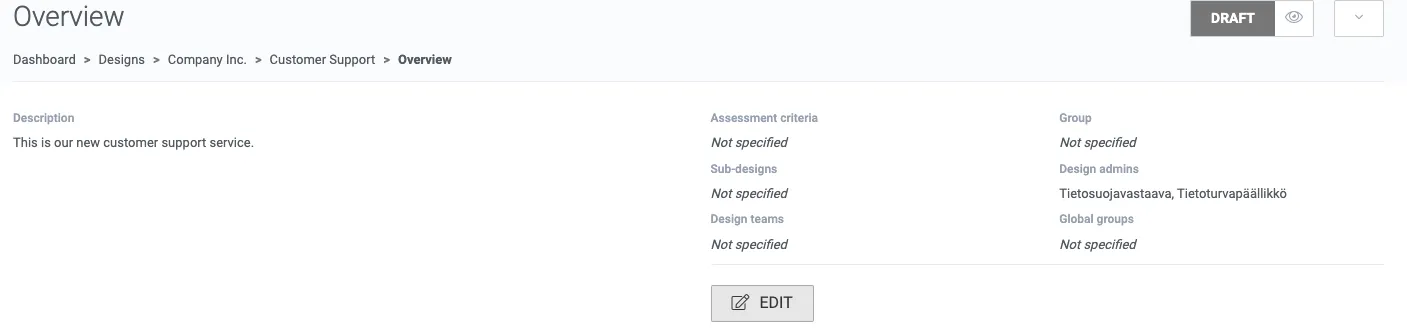
Controls tab showing control completeness, risk by category chart, and a list of controls Design overview showing assessment criteria, sub-designs, design teams, and global groups fields

2. Click the control you want to edit.
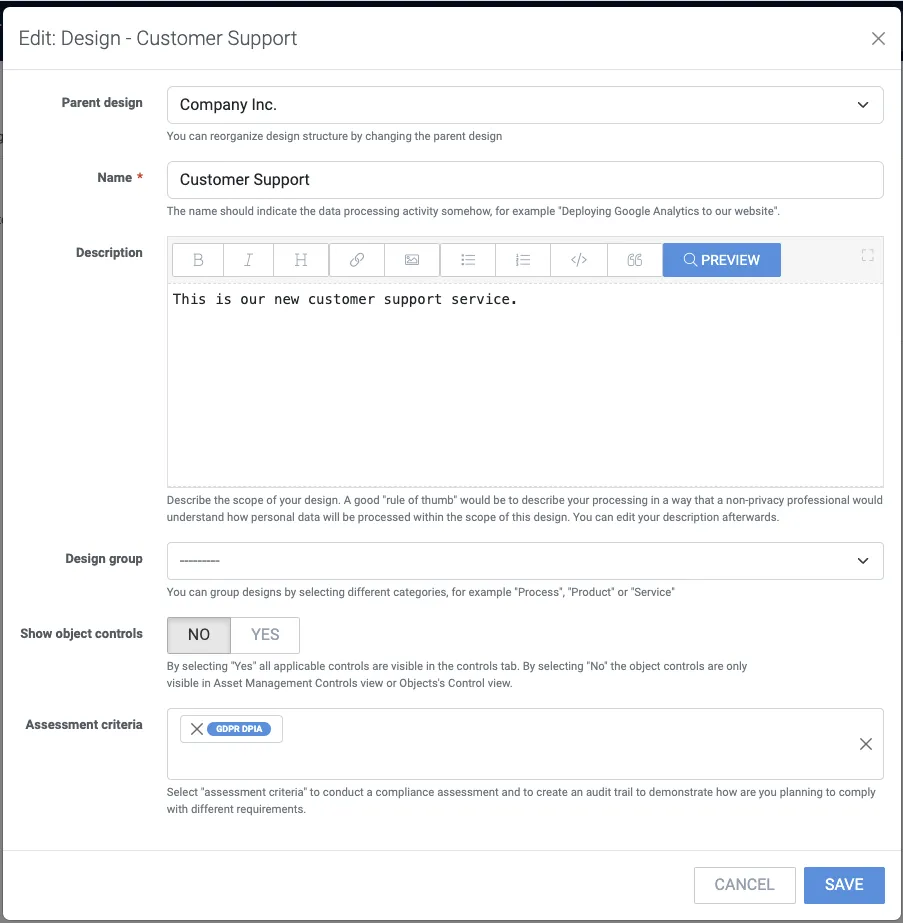
Edit design form with assessment criteria set to 'GDPR DPIA'

3. Each control can apply to several targets. Click the Name of the control to edit.
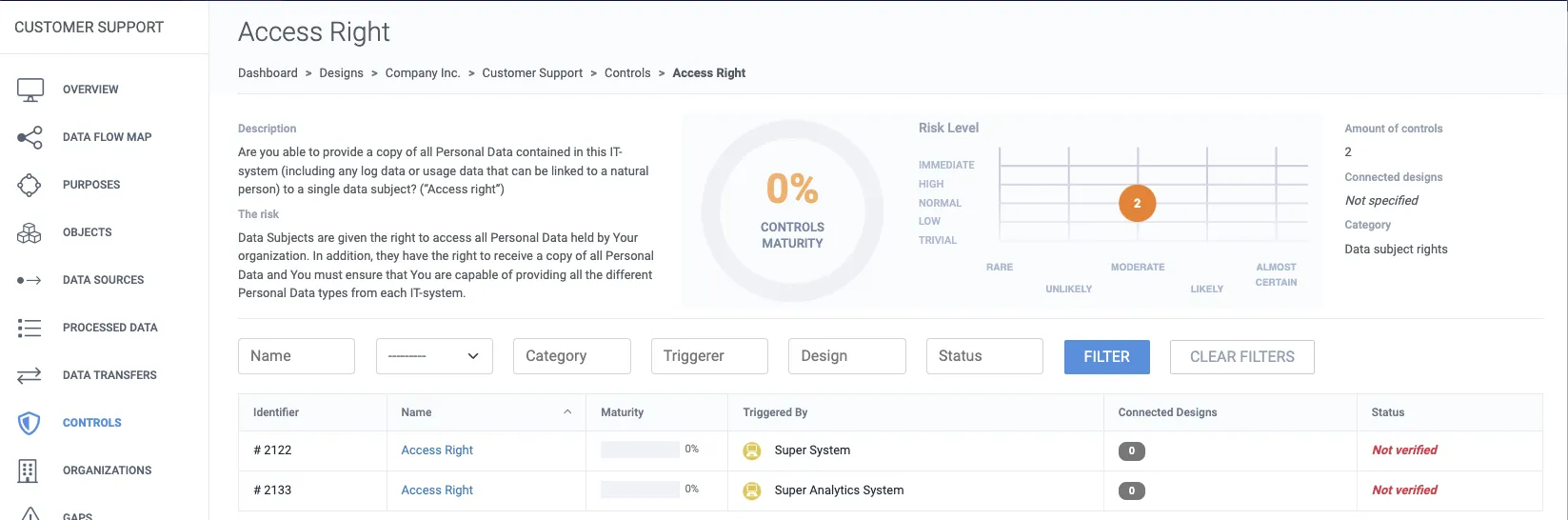
Access Right control view listing the connected designs that triggered it

4. To modify click Edit implementation.
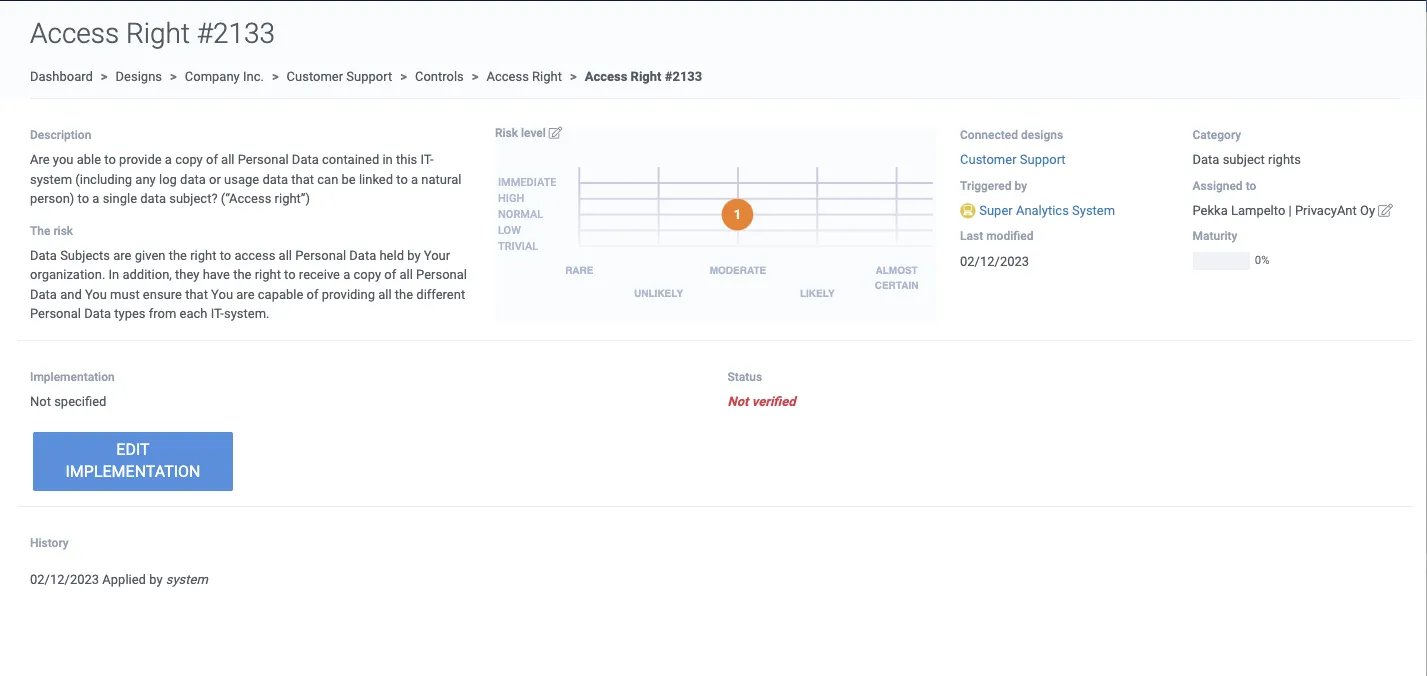
Access Right #2133 control detail with risk level, connected designs, and implementation status

5. Describe how the control is implemented.
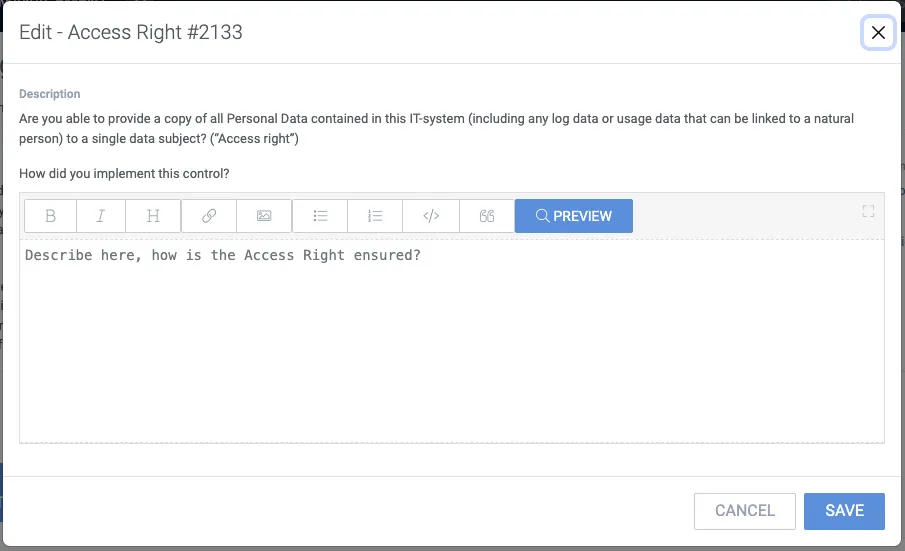
Edit implementation dialog asking 'How did you implement this control?'

6. To save click Save; this marks the control as completed and raises overall maturity.

7. Once you have written an answer to the implementation text field and saved it, the status will then turn to “Verified”.
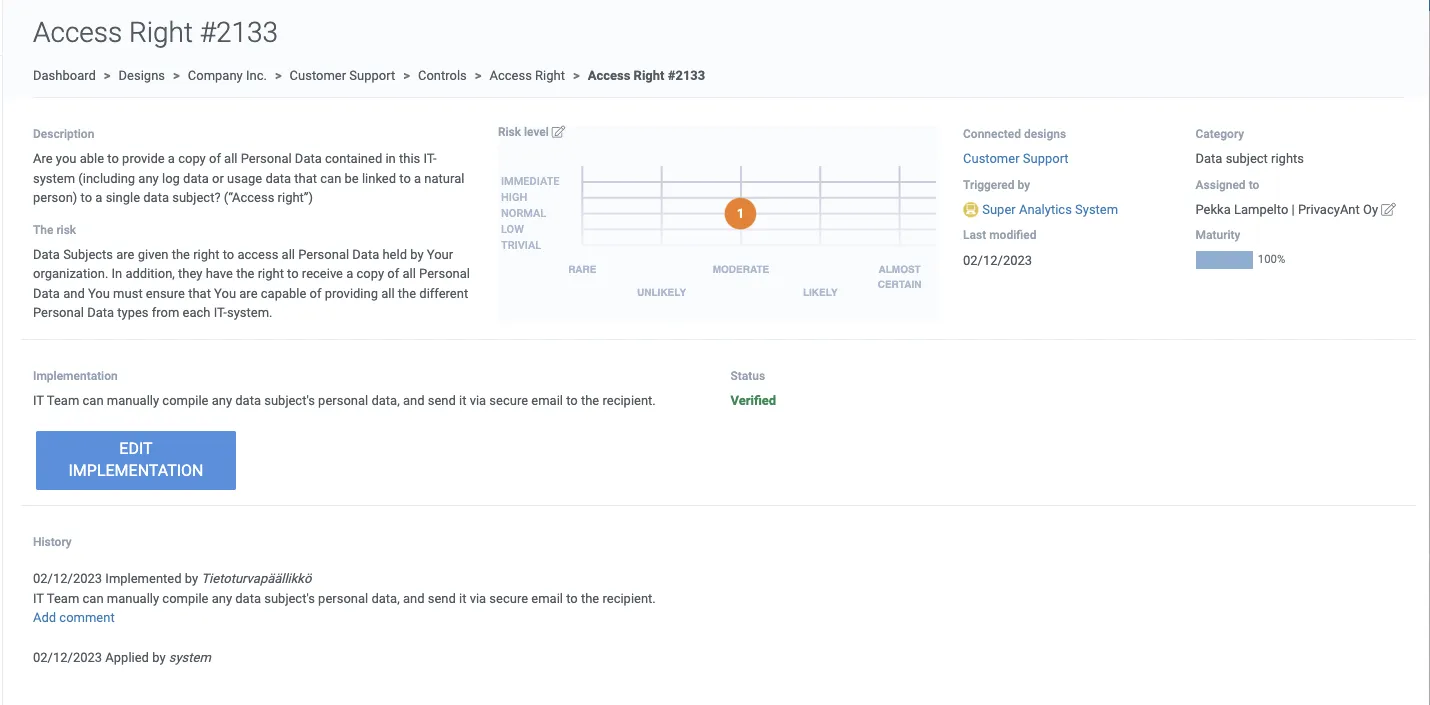
Access Right #2133 control with status 'Verified' and 100% maturity