Managing designs
Copy designs
Section titled “Copy designs”1. Click the copy icon to start copying.
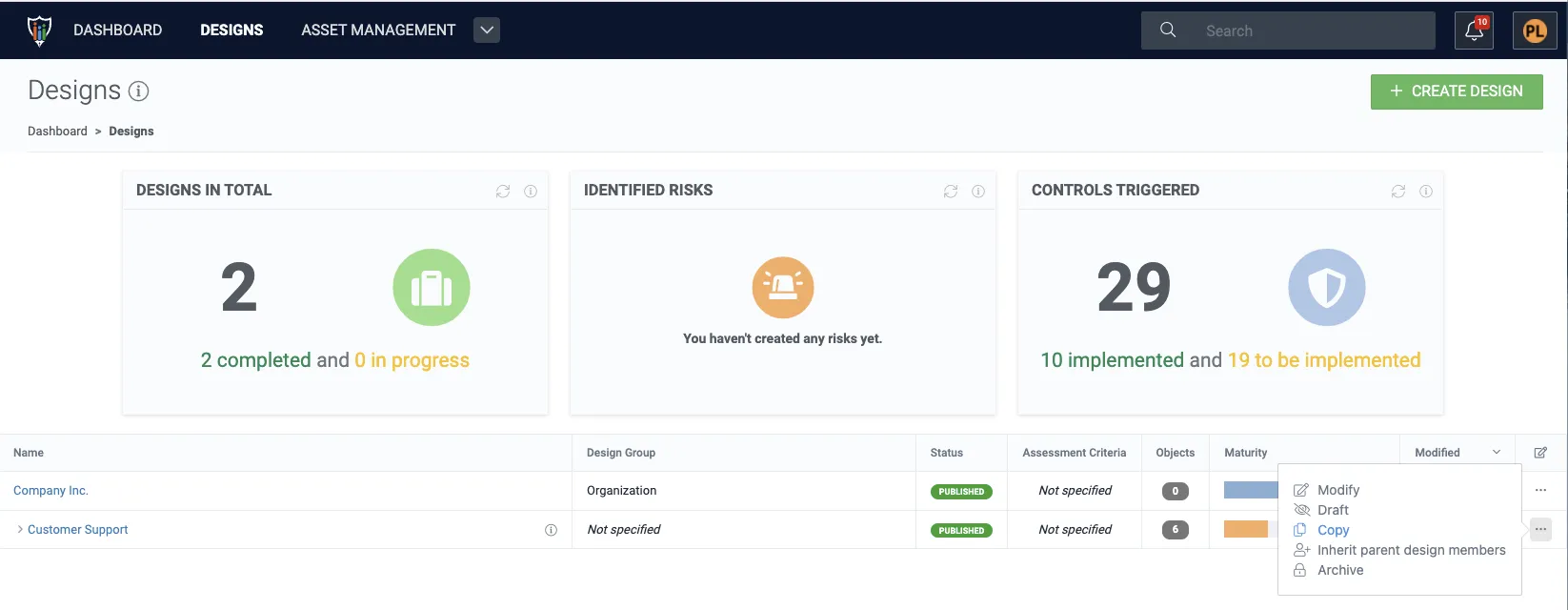
2. Name the new copy. If you are copying a higher-hierarchy level design, you should also decide if the sub-designs shall be copied as well.
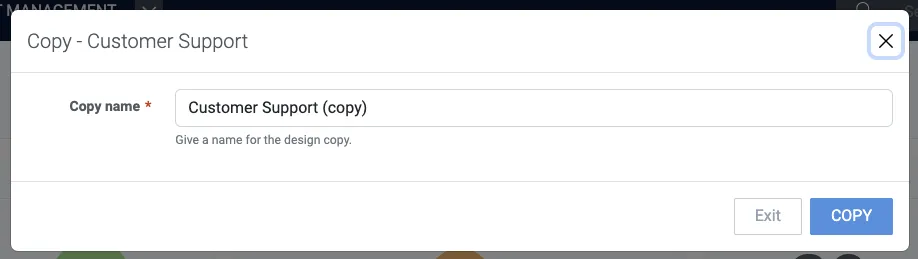
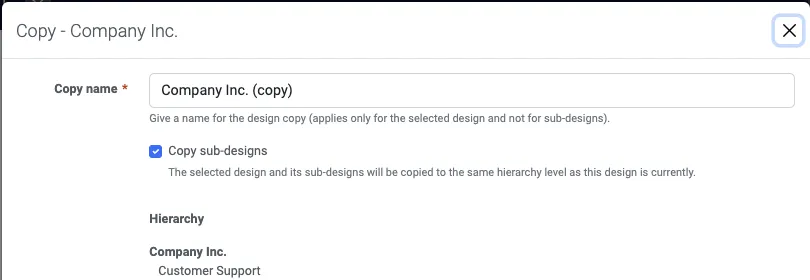
3. To create the copy or copies click Copy.
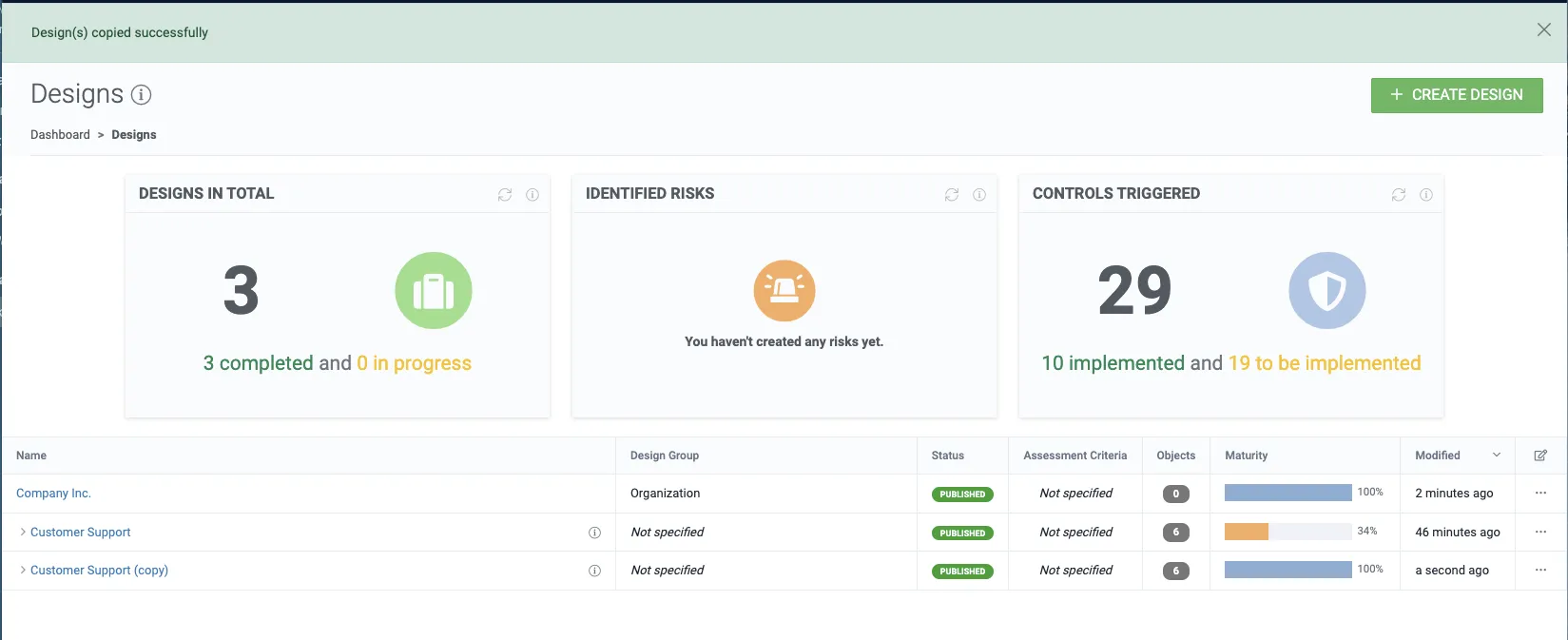
Inheriting design members
Section titled “Inheriting design members”As a normal user, check out Members – Inherit parent design members.
If you are an admin user, refer to Group permissions – Attach global groups to designs.
Archive designs
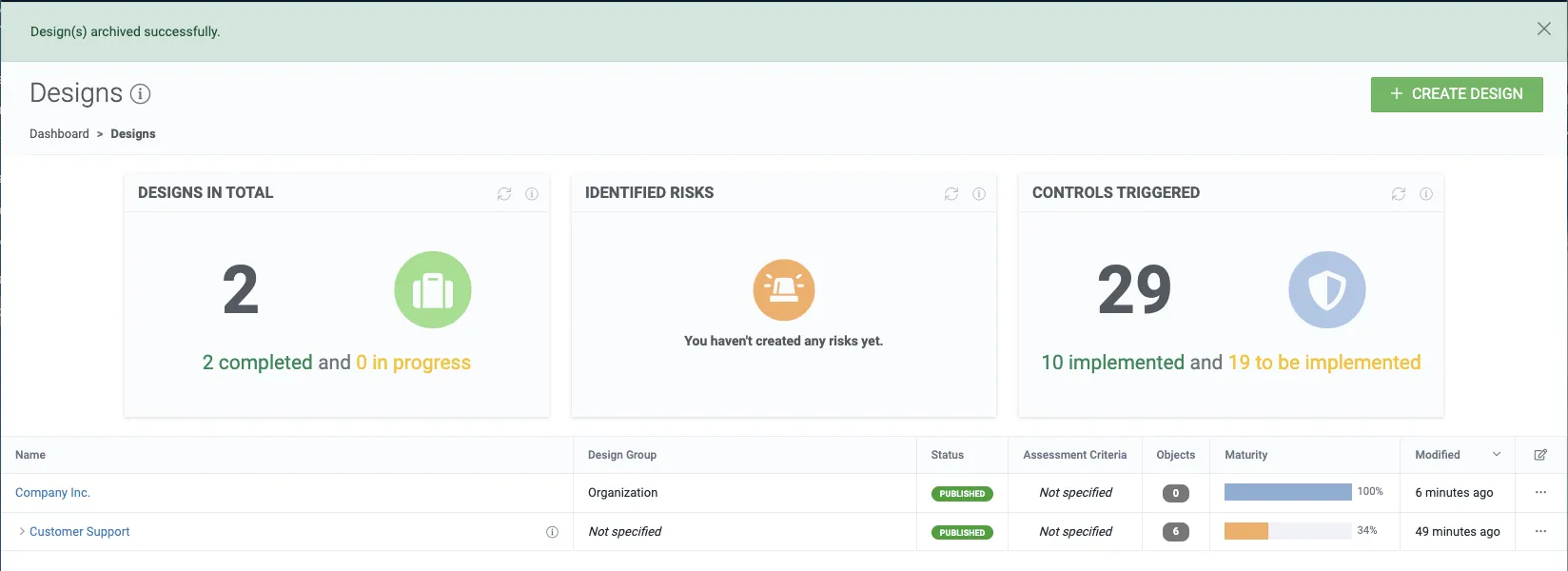
Section titled “Archive designs”1. Click the archive button on the selected design.
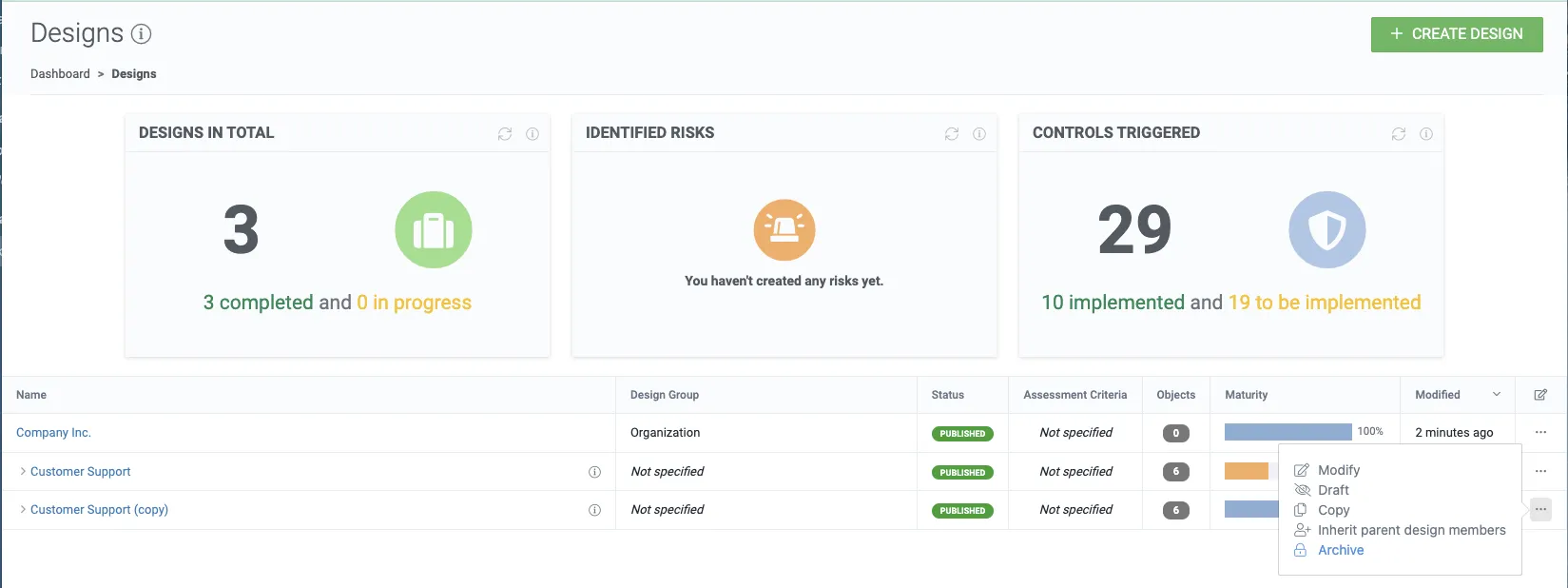
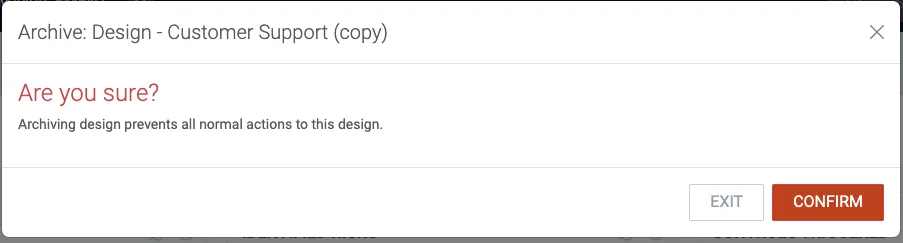
2. To archive the selected design (and its sub-design(s), if there’s any) click Confirm.
Deleting designs
Section titled “Deleting designs”1. Navigate inside to a design.
2. Click Delete under the caret drop-down.
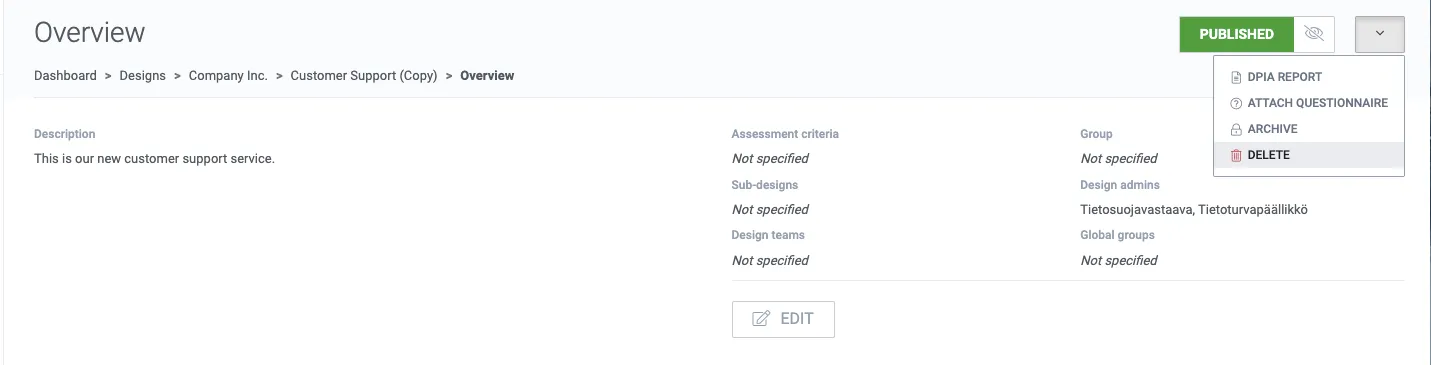
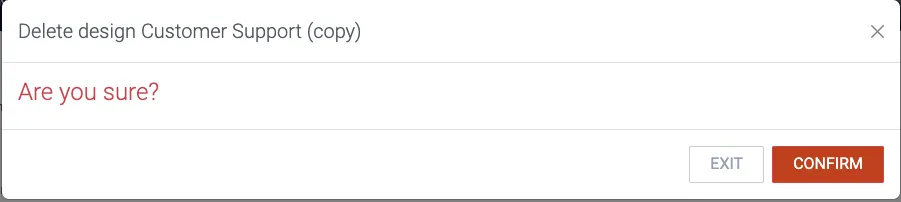
3. If you’re sure, delete the design and its sub-design(s) by clicking Confirm.