Purposes of processing
Use Purposes of processing to define the legal basis, retention time, and the processed data.
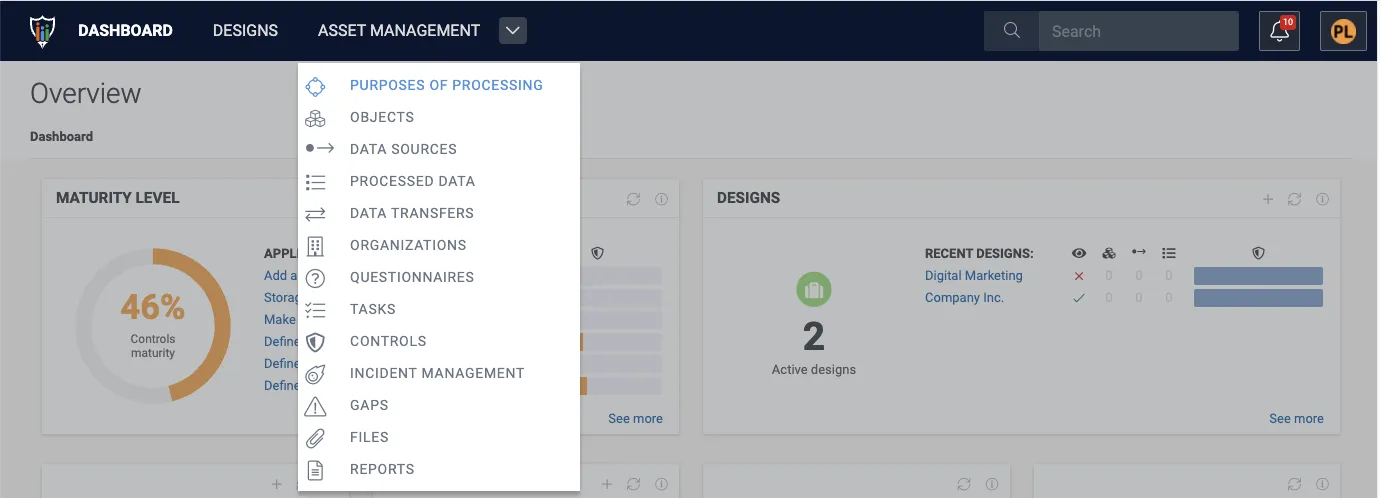
1. Navigate to Asset Management and click Purposes of processing.
2. Click + Create purpose of processing.

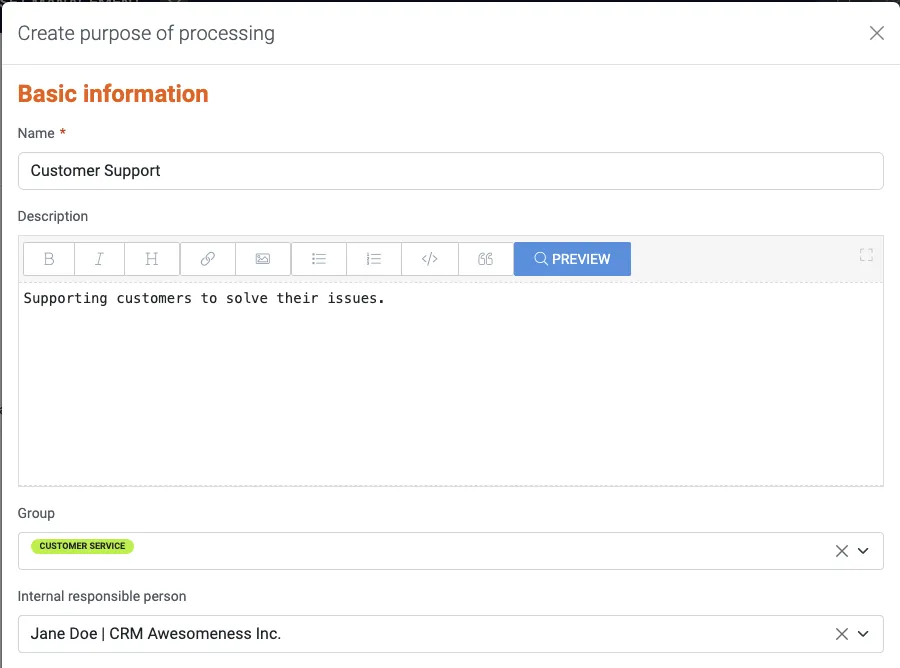
3. Name the purpose of processing. Optionally, you may also write a description for the purpose, choose a group to classify it, and choose a responsible person.
4. Click Create.
5. Click the created purpose from the #ID.

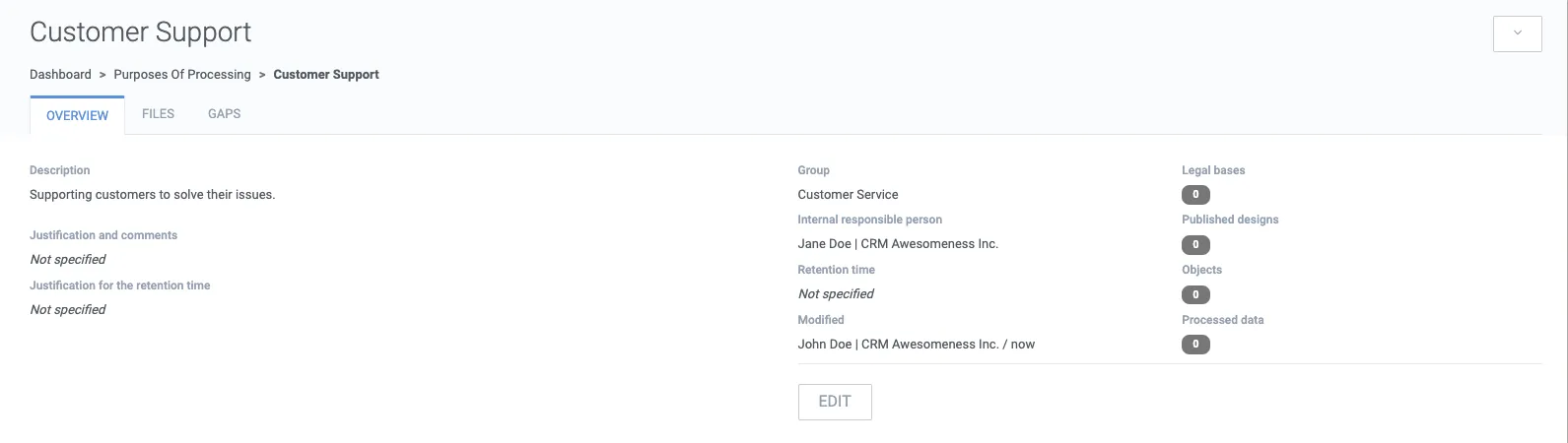
6. Click Edit to define the legal basis (or bases) and retention time.
7. Scroll down the Purpose of processing form to the Retention time section. Define the time span digit and time unit (e.g. days, months). You may also justify your choice of retention time in the following text field by e.g. referring to a law or common practice. You may also explain in more detail that the retention time is e.g. from the termination of agreement or employment.
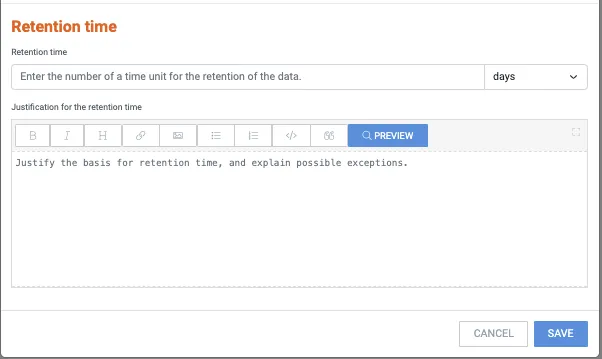
8. To save your changes, click Save.